A hardware wallet is supposed to be the boring, safe answer to crypto security. Your keys live on a small device that never touches the internet, so nothing online can reach them. On October 9, 2026, that assumption failed. Wallet owners in Southeast Asia watched their balances drain, and as of October 15, 2026, on-chain researchers estimate the losses at somewhere between $86 million and $93 million across more than 300 wallets. Now crypto holders everywhere are asking whether a Faraday bag for crypto wallets could stop the next attack like it.
Nobody cracked a password or clicked a bad link. This was a hardware wallet supply chain attack: the devices had been opened and modified before they were ever sold. So can a Faraday bag protect your crypto wallet, whether it lives on a dedicated device or on the phone in your pocket? The honest answer is “partly, if you understand where the risk actually sits.” Here is what happened, what signal shielding can and can’t do for each kind of wallet, and how to store your crypto so a radio has as little to work with as possible.
What Actually Happened Inside the Tampered Wallets
According to CoinDesk’s reporting on Ledger’s investigation updates, someone in the distribution chain added a small implant inside the device casing. Ledger says it combined a microcontroller, an LTE cellular chip, and an eSIM. When a new owner set up the wallet and the screen displayed the 24-word recovery phrase, the implant read those words off the display and sent them to the attacker over a cell network.
The implant never touched the secure chip that stores the private keys, and it never altered the device’s software or its transactions. Ledger’s own documentation notes that its built-in authenticity check verifies the secure chip, so it can’t detect added hardware like this. In practice, the reliable way to find an implant is to open the case.
It also needed nothing from the owner. No paired phone, no Wi-Fi, no computer connection. It carried its own SIM and its own route to the internet.
Ledger has said every confirmed loss so far traces to devices sold through one authorized reseller in Southeast Asia, and that its own systems and direct sales channels were not compromised. Reports of tampered units bought through other retail channels are still being examined. The company’s guidance to affected buyers is simple: don’t set up an unused device, and if you already did, move your funds to a new device from the manufacturer with a brand new recovery phrase.
Why This Attack Is Different From the Usual Crypto Theft
Most crypto losses come through software: phishing sites, fake wallet apps, malicious browser extensions, drained hot wallets. The whole selling point of cold storage is that it sidesteps all of that. Your keys stay on a device with no general internet connection, so remote attackers have nothing to reach.
This attack flipped that model. Instead of reaching into the device from outside, the attacker built a way out on the inside. A cold wallet with a hidden cellular modem is no longer cold, and nothing on the screen or in the companion app would tell you.
That is the gap signal shielding speaks to, with an important limit covered below. A radio is only useful to an attacker if its transmission reaches a network. While sealed, nothing inside can transmit out.
What a Faraday Bag Can Do for a Hardware Wallet
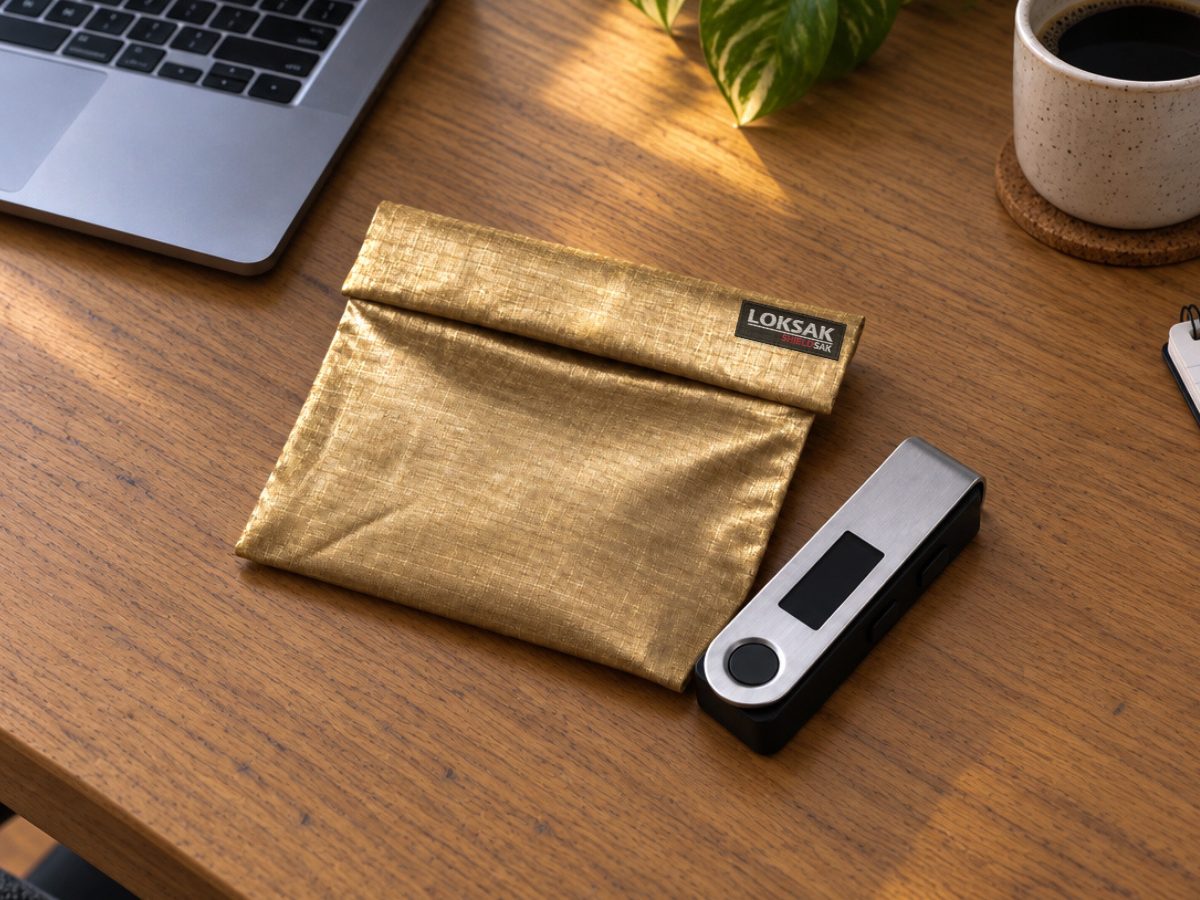
A Faraday bag is a pouch made with conductive material that blocks radio signals in both directions while it is sealed. Cellular (including LTE), Wi-Fi, Bluetooth, and GPS signals can’t get in or out. Here is where that helps a hardware wallet owner, and where it doesn’t.
Where it helps: storage. Most of a cold wallet’s life is spent sitting in a drawer or a safe. While your hardware wallet is sealed in a properly tested Faraday bag, any radio inside the device, intended or not, can’t reach a cell tower, a phone, or a nearby receiver. That covers a hidden LTE modem, and it covers the Bluetooth radios that many newer wallets ship with on purpose.
Where it doesn’t help: the moment your seed is on screen. You can’t read a recovery phrase through an opaque bag. In this attack, the phrase was captured during setup, while the device sat in the open with its owner looking at it. Some security-minded users set up new devices somewhere with no cell coverage, or inside a shielded enclosure, to block a live transmission. That can stop an implant that tries to send right away, but nothing prevents a more patient implant from saving what it saw and sending it the next time the device is out of the bag. Shielding buys delay, not a cure.
What it can never do: remove an implant, make a tampered device trustworthy, or protect a recovery phrase that has already been exposed. If you bought a wallet through a questionable channel, the fix is a new device from the manufacturer and a new seed. A bag is a layer on top of good sourcing, not a substitute for it.
What About a Crypto Wallet on Your Phone?
Plenty of people never buy a hardware wallet at all. Their crypto sits in a wallet app on their phone, or in an exchange account they open from their phone. That is a very different risk picture, because a phone is the opposite of cold storage. It is connected almost every second of the day over cellular, Wi-Fi, and Bluetooth, and it runs dozens of apps that talk to the internet constantly.
Start with what a Faraday bag can’t fix on a phone. Most mobile crypto losses come from phishing links, fake or malicious wallet apps, recovery phrases saved as screenshots or notes that sync to the cloud, and SIM swaps, where an attacker convinces your carrier to move your number to their SIM so they can take over accounts. A SIM swap happens at the carrier, not on your phone, so no bag will stop it. Neither will a bag protect you from approving a malicious transaction yourself.
Where shielding does help is time. A sealed phone can’t receive anything: no messages, no app traffic, no remote access attempts, and no location pings. Security researchers have documented “zero-click” exploits that compromise a phone without the owner tapping anything, and every one of them needs a network path to arrive. For an everyday phone you use all day, that protection only lasts as long as the phone stays in the bag, so its value is limited to things like overnight storage and travel.
The stronger setup is a dedicated crypto phone. Take an older phone, reset it to factory settings, install only your wallet app, and skip email, texting, social media, and browsing entirely. Keep that phone sealed in a Faraday bag and take it out only to check a balance or sign a transaction. A phone that is online for a few minutes a week has a tiny fraction of the exposure of the one in your pocket, and it keeps your crypto off the device most likely to be phished, lost, or stolen.
A Practical Storage Routine for Crypto Wallets
Think of crypto security as layers, where each one covers a gap the others leave open.
Buy direct. Order hardware wallets from the manufacturer’s official store. Every confirmed loss in this incident traced to a third-party channel. Skip marketplace listings, secondhand units, and open-box deals, and never use a device that arrives with a recovery phrase already printed or written down. For phone wallets, download only the official app from the official app store, and double-check the developer name.
Keep devices shielded between uses. Store the hardware wallet or dedicated crypto phone sealed in a tested Faraday bag, and take it out only when you are actively using it. Put it back when you are done.
Protect the backup, not just the device. Your written recovery phrase is the real master key, for hardware and phone wallets alike. Keep it off any connected device, never photograph it, and store it where water, humidity, and casual eyes can’t reach it.
Lock down your phone number. Ask your carrier for a port-out PIN or SIM lock, and use an authenticator app instead of text-message codes on any exchange account.
Spread the risk for larger holdings. For significant balances, security researchers have long recommended multisig setups that require signatures from devices made by different manufacturers, so one compromised device can’t move funds on its own.
How to Choose a Faraday Bag for a Crypto Wallet
Plenty of pouches are sold as “signal blocking” without any real testing behind them, and a bag that leaks is worse than none because it gives you false confidence. A few things to look for when choosing a Faraday bag for a crypto wallet or phone:
Independent lab results across the right frequencies. Cellular, Wi-Fi, and Bluetooth signals all sit roughly between 600 MHz and 6 GHz. Look for published results from an outside lab covering at least that range, with attenuation figures in decibels, not just a “blocks all signals” promise.
A closure you can get right every time. The opening is the most common failure point on any Faraday bag. Learn exactly how yours is meant to close, and close it that way every time.
A way to test it yourself. Seal a phone in the bag, wait a few seconds, and call it. If it rings, the bag isn’t doing its job. You can’t call a hardware wallet, but the same test tells you whether the bag works. Repeat it every few months, since conductive fabric can wear at creases over time.
The right size. A snug fit makes a Faraday bag easier to seal around a crypto wallet and easier to store in a safe. Stick-style hardware wallets fit easily in a small pouch. Phones and larger card-style wallets with touchscreens need a phone-size bag.
Where SHIELDSAK® Fits
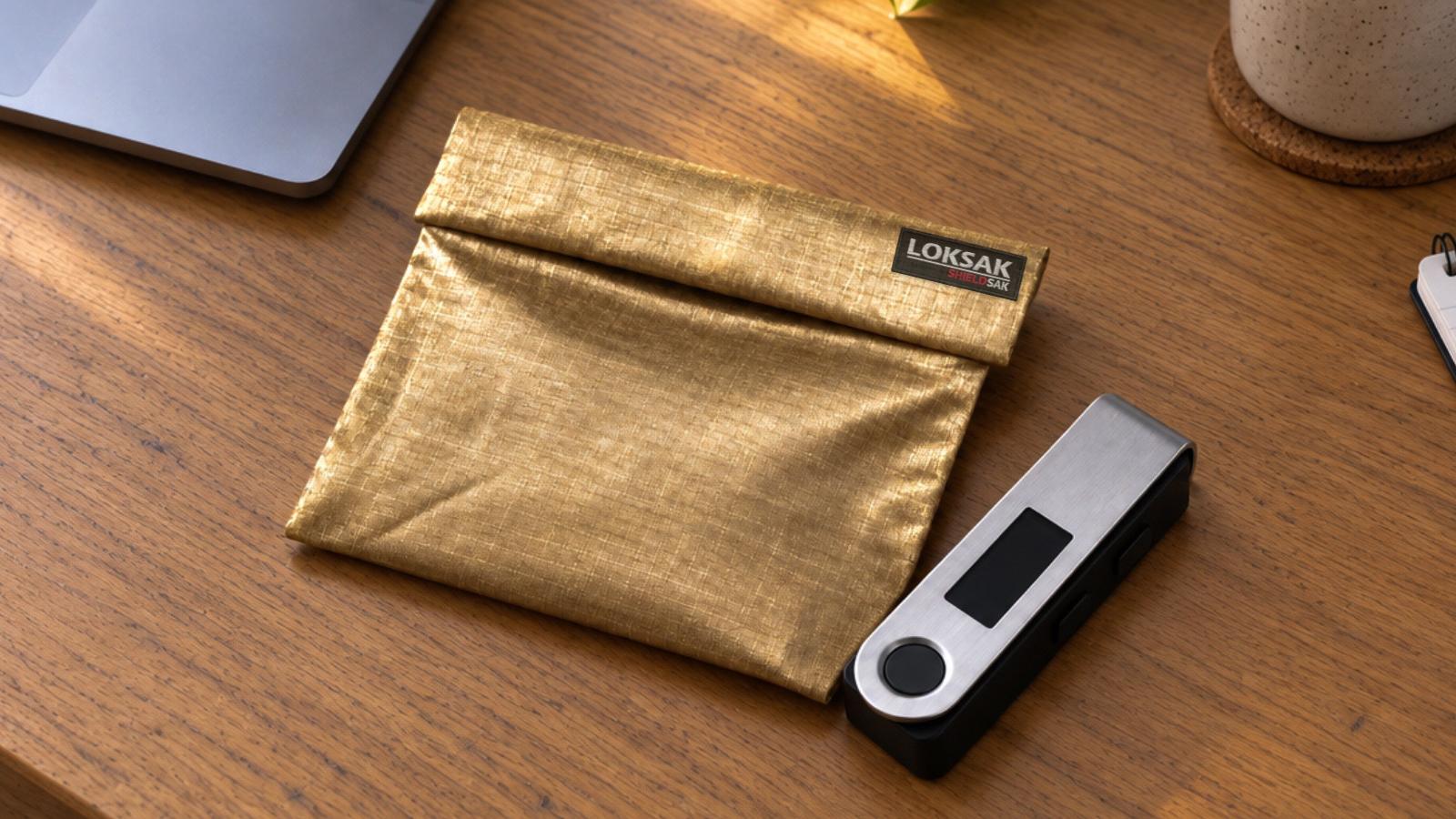
SHIELDSAK® Faraday bags are made from ripstop nylon with silver, copper, and nickel woven directly into the fabric. Independent testing by Keystone Compliance measured up to 104 dB of signal blocking from 30 MHz to 18 GHz, a range that covers cellular, Wi-Fi, Bluetooth, and GPS. They are made in the USA.
The SHIELDSAK® Phone Pouch fits most smartphones, so it works for a dedicated crypto phone, a card-style hardware wallet, or both stored together. For stick-style hardware wallets on their own, the smaller SHIELDSAK® Key Fob Pouch is the right size. Either way, run the phone call test above when it arrives.
A SHIELDSAK® pouch won’t fix a tampered device or stop a phishing link. What it will do is keep a good device quiet while it waits for you.
The Bottom Line
The Ledger implant attack didn’t break the cryptography that crypto wallets rely on. It went around it, by adding a radio to a device whose entire value comes from staying offline. Phone wallets face the reverse problem: they are online all the time. The defense for both is layered: buy from the source, treat any exposed seed as burned, protect your backup, lock down your phone number, and keep wallet devices sealed off from every network when you aren’t using them. A Faraday bag for your crypto wallet covers only one of those layers, but it is the layer that answers the exact question this attack raised: what happens if something inside the device tries to talk?
Keep your crypto offline when you aren’t using it. SHIELDSAK® is a lab-tested Faraday bag that blocks cellular, Wi-Fi, and Bluetooth signals while your crypto wallet or phone sits between uses.
Shop the SHIELDSAK® Phone Pouch →
Using a stick-style hardware wallet? Shop the SHIELDSAK® Key Fob Pouch →